The start of the week, in about two minutes
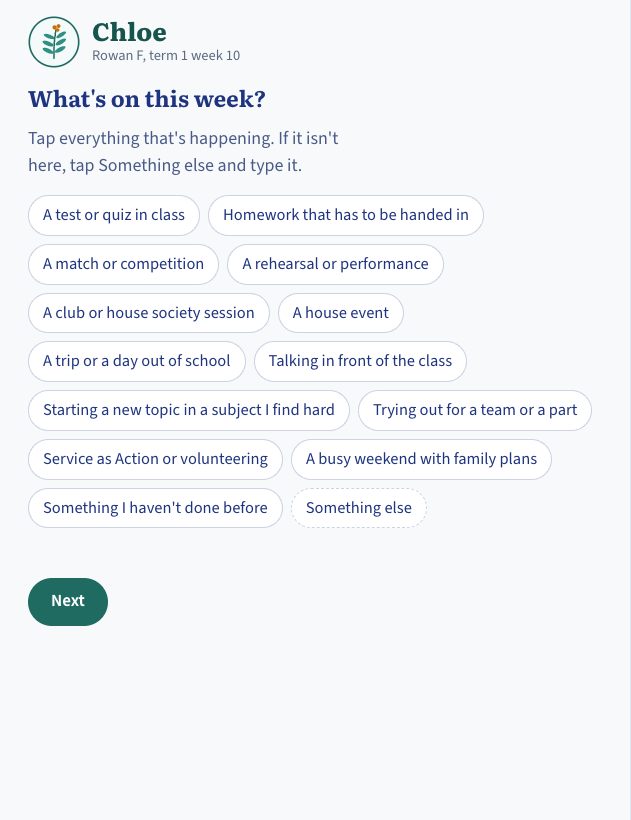
Students take two slow box breaths with their own circle, then tap what is coming up this week. At the end of the week they come back and tap what they did.

 Education logbooks
Send me your programme
Students check in each week and the logbook names the strengths they show, so a tutor can see how the whole group is doing. It works for mixed age tutor groups from 11 to 16.
Chloe and her house are invented, but the logbook is the real one.
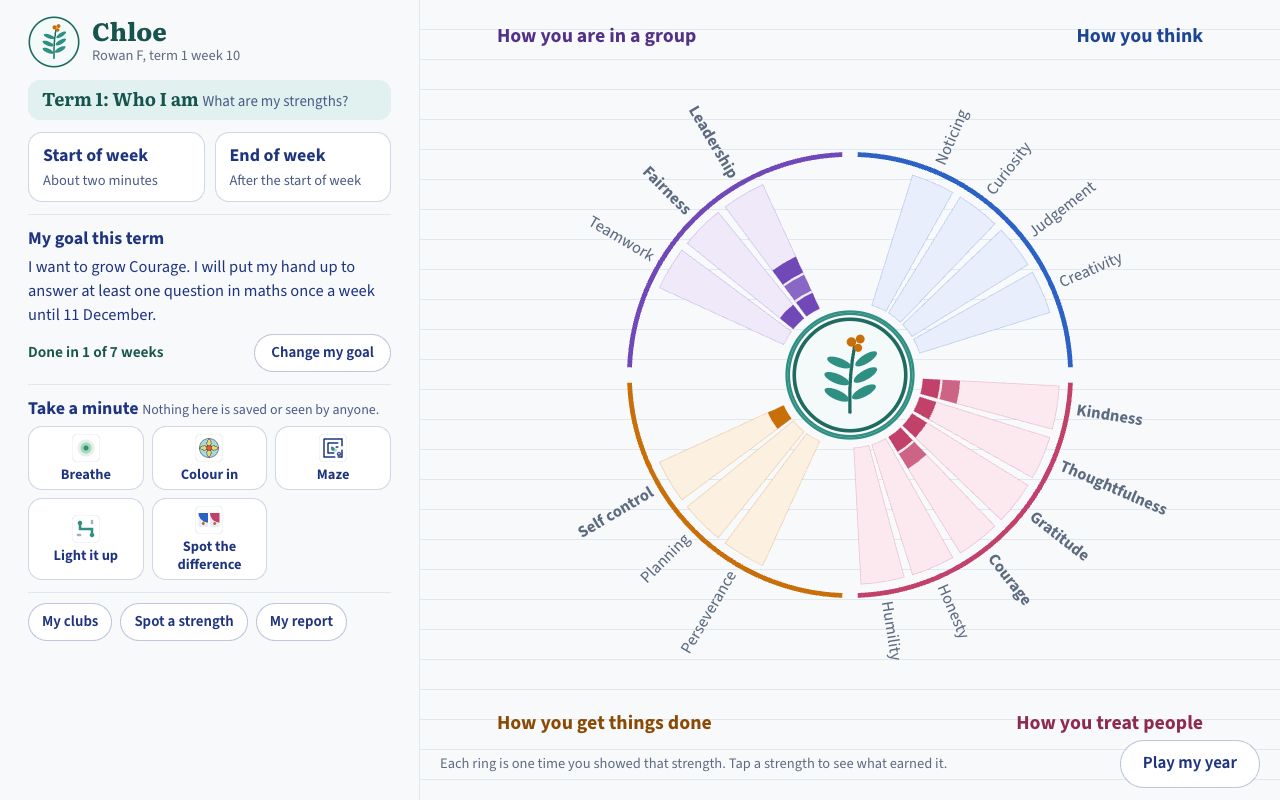
This is the tutor time logbook as students and tutors use it, with made up students in an invented house called Rowan. Use the bar along its top to switch between a student's view and the tutor's. Nothing you do leaves your browser.
Two short check ins fit inside morning tutor time.
Students take two slow box breaths with their own circle, then tap what is coming up this week. At the end of the week they come back and tap what they did.
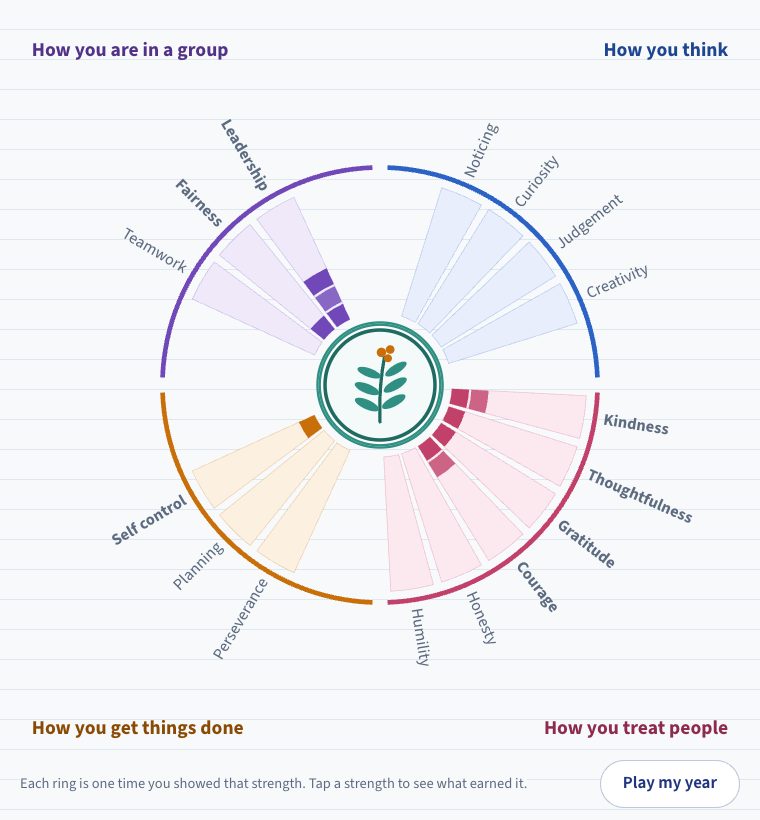
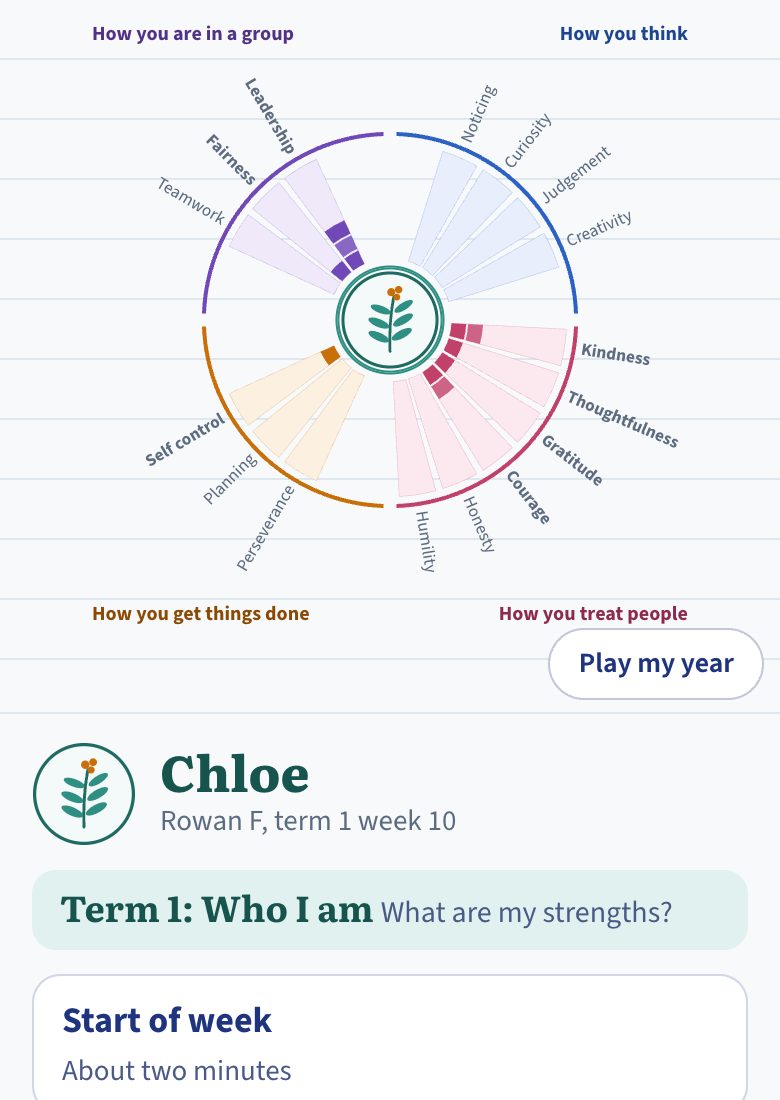
The logbook names the strength behind what a student did and adds a ring to their map. Sixteen strengths sit in four groups, so over a year the map becomes a picture they can read. Each term they set one goal and it asks every week whether they kept it.
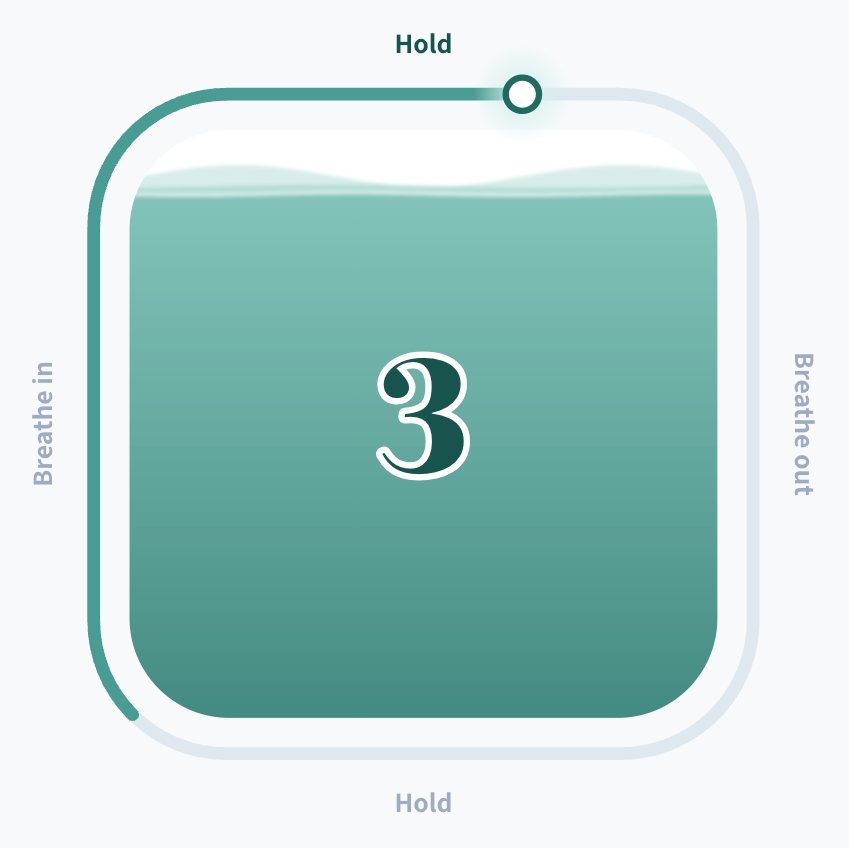
Box breathing and a few quiet activities, such as a pattern to colour, are there whenever a student needs them. Nothing in this part is saved or seen by anyone.
One page for the group, without opening eighteen logbooks.
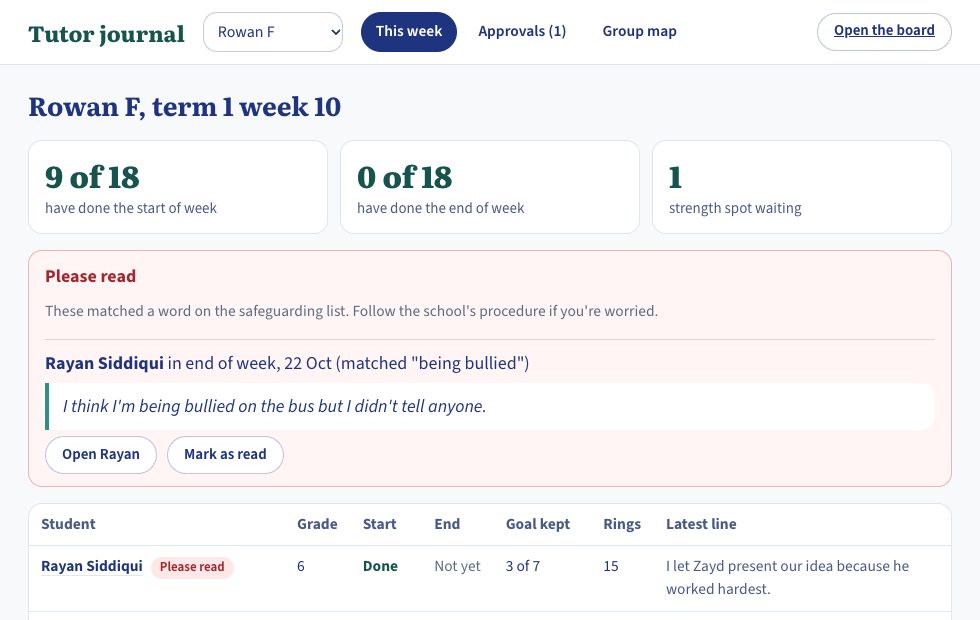
It shows who has checked in and whose goal has been stuck for weeks, with each student's latest line beside their name. When one student spots a strength in another, the tutor approves it before it appears.
If a student writes something that matches a word on your safeguarding list, it is put at the top for the tutor to read and your school's own procedure takes over from there.
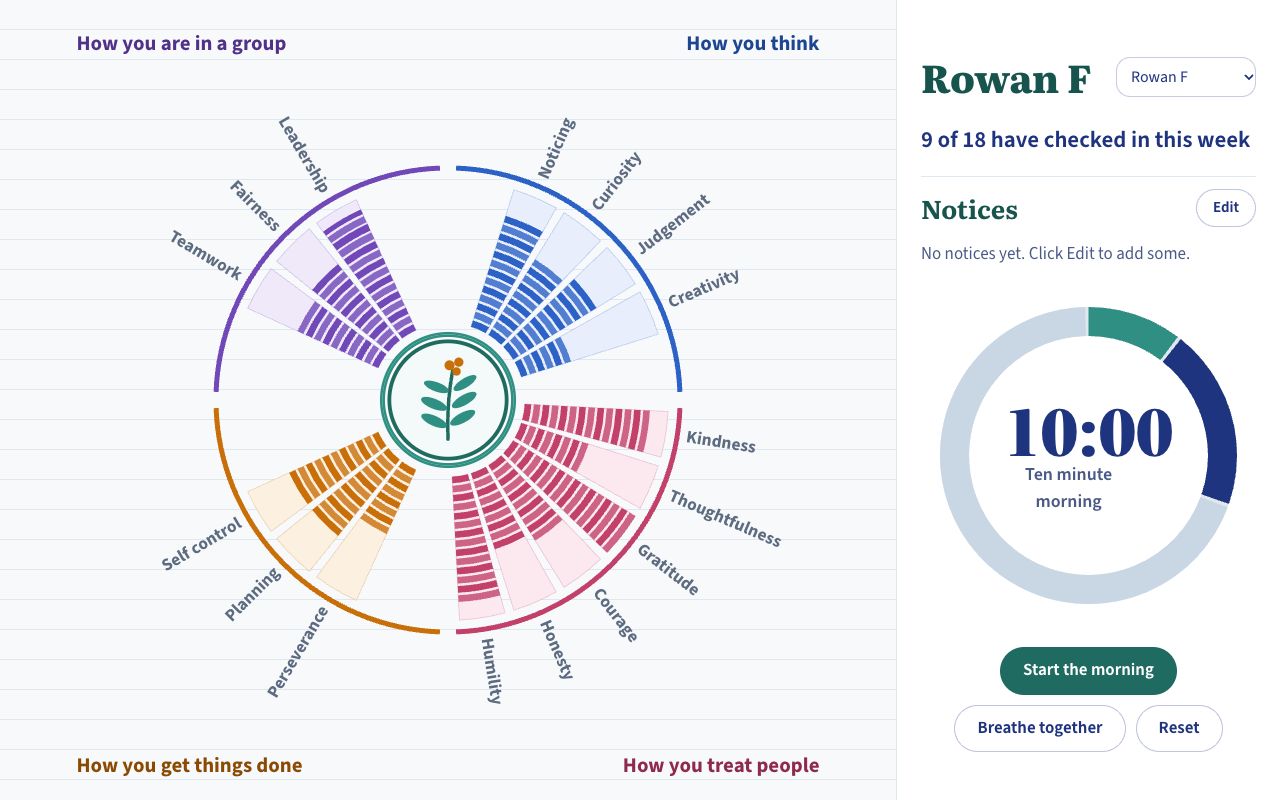
The whole group's map sits beside a ten minute timer for the morning. Breathe together settles the room before anyone opens a laptop.
The sample shows one way to do it. Yours starts from what your pastoral team already does.
It is a record of what students do and notice about themselves. It is not a counselling tool and conversations about how a student is feeling stay with their tutor.
Tell me how your tutor time runs and what your school wants students to notice about themselves. I'll reply by email and say what a logbook for it would look like and what it would cost.
I'm Amy Garside, an IB head of department. I built this logbook myself and I build every school's version myself. A whole school programme is priced from what yours involves and the prices for a single course are on the front page.